How to Complete Application:
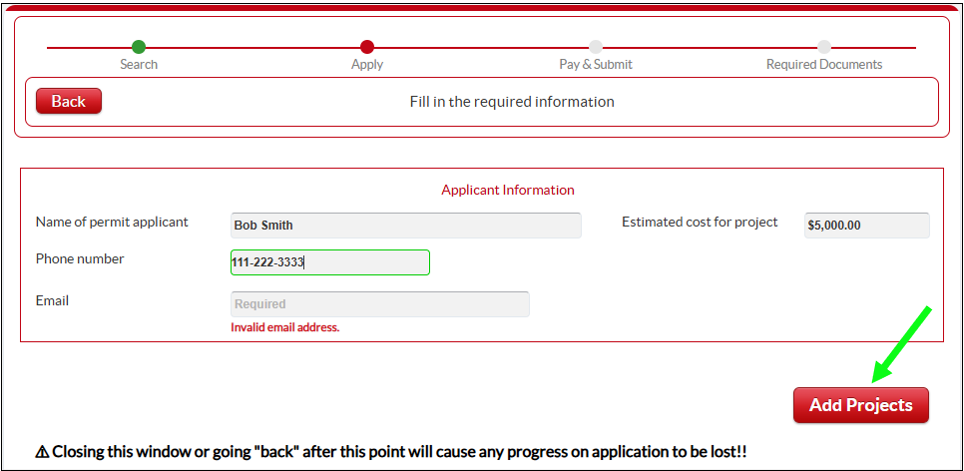
- Fill out your personal details & contact information. If you're a contractor/agent for the applicant, provide info for the person whom you're submitting application on behalf of.
- Click "Add Projects" to specify what you are applying for.
- IF you are applying for multiple "projects", you must specify each separately by answering questions in the following steps. For example, if you are building a new home and detached garage, you will need to specify each by completing steps #3-#4 (below).
- Answer all questions (check appropriate box) that are displayed on the page.
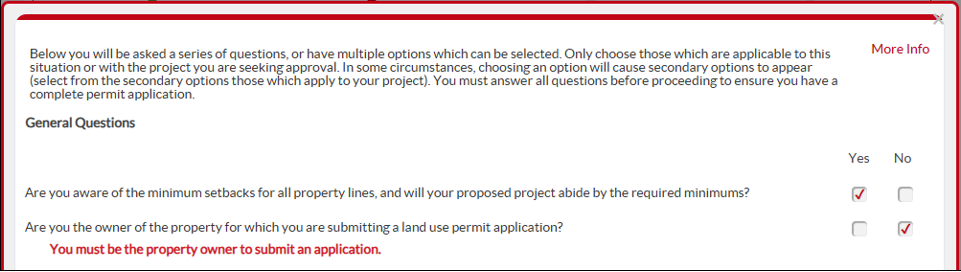
- Note - Depending on how you respond (boxes you check), additional questions may appear. Ensure all questions you see are answered by checking box "yes" or "no", regarding the permit you're applying for.
- Don't see the items fitting your situation? - Contact County to inquire about how to proceed.
- Red Text Below Question (example above) - This means you cannot continue with online application based on what you've selected, and you should contact the County and/or follow the instructions provided in the red text.
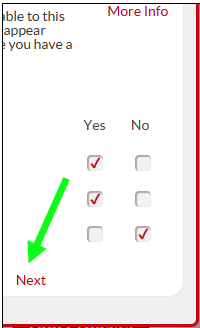
- After completing questions on the page, click "Next" to proceed. On the last page, after all questions are answered, you'll a red "Close" button will appear on last page. This signifies completion of questions for your first project. If you would like to add additional projects to your application, complete steps #2-3 for each.
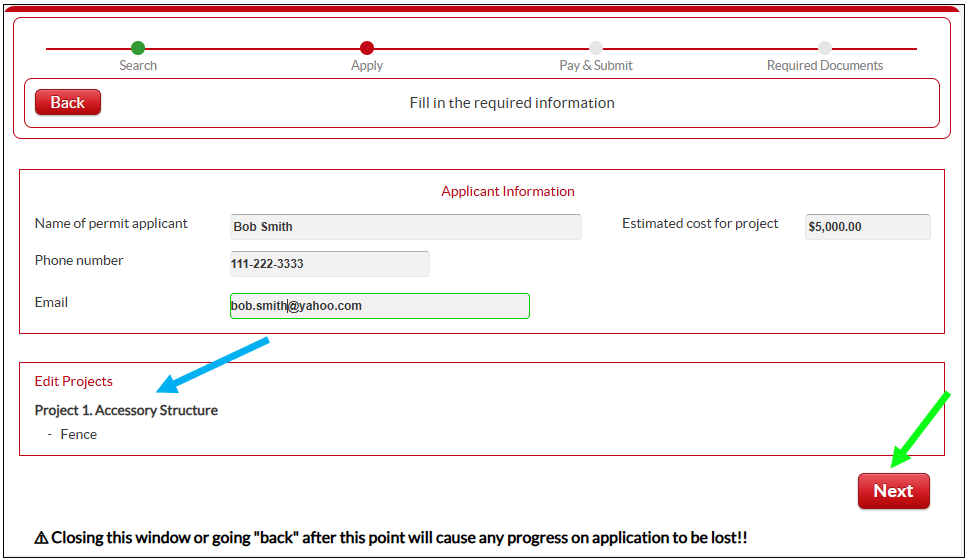
- After completing all questions, review the "projects" included in your application (blue arrow). Once you have finished adding projects, click on the "Next" button.